
NordicTrack Black Screen & Boot Loop Issues: What Gym Owners Need To Know
NordicTrack treadmills and fitness equipment have become increasingly known for software-related failures including black screens, endless reboot cycles, failed updates, and console boot loop problems. Here’s what causes it and what owners should know before replacing expensive parts.
NordicTrack treadmills and fitness equipment have evolved dramatically over the years. Modern systems now rely heavily on Android based operating systems, touchscreen consoles, WiFi connectivity, cloud synchronization, and iFIT software integration to deliver interactive training experiences.
While these features offer convenience and advanced functionality, they have also introduced a growing number of software related failures affecting both residential users and commercial fitness facilities throughout Dallas Fort Worth.
One of the most common issues owners experience is what many technicians refer to as the “NordicTrack Black Screen of Death.”
**NordicTrack Console Powers On But Nothing Loads**
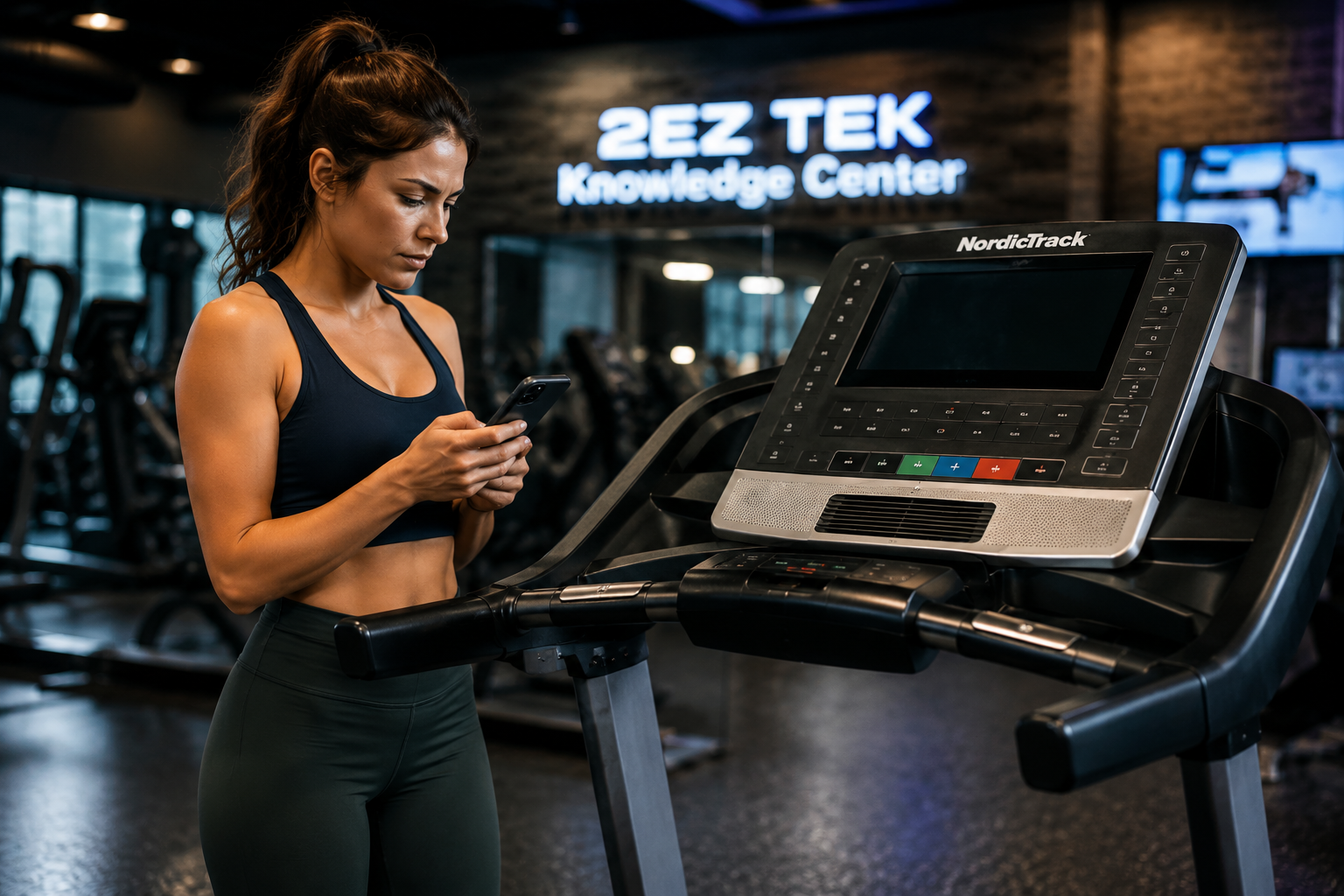
Many NordicTrack owners report situations where the treadmill appears to power on normally, lights illuminate, fans may activate, and internal systems seem operational, but the touchscreen display remains completely black, frozen, or stuck during startup.
In some cases, the NordicTrack logo briefly appears before the screen goes dark again or freezes indefinitely.
These symptoms are commonly associated with:
• Failed software updates
• Corrupted Android operating system files
• iFIT synchronization failures
• Firmware corruption
• Internal storage errors
• Interrupted WiFi updates
• Console communication failures
Because many newer NordicTrack systems operate similarly to Android tablets or smart devices, software instability has become increasingly common as the systems become more advanced.
**The Endless NordicTrack Boot Loop Problem**
Another major issue affecting NordicTrack treadmills and ellipticals is the endless reboot cycle, often referred to as a “boot loop.”
This occurs when the console continuously restarts without ever successfully loading into the main dashboard or workout interface.
Common symptoms include:
• NordicTrack logo repeatedly appearing
• Continuous restarting
• Frozen update screens
• Endless loading animations
• Console failing to reach the home screen
• Repeated crashes during startup
In many cases, boot loop failures occur immediately after:
• Interrupted software updates
• Failed iFIT updates
• Power outages during updates
• Forced shutdowns
• Corrupted operating system files
• Incomplete firmware installations
Many owners assume the entire treadmill has failed mechanically when the issue may actually be isolated to the touchscreen console or software system itself.
**Why NordicTrack Software Issues Are Becoming More Common**
Modern fitness equipment has essentially become a computer attached to exercise hardware.
Unlike older treadmills that relied primarily on analog electronics and simple control boards, modern NordicTrack systems now depend heavily on:
• Android operating systems
• Wireless connectivity
• Cloud based synchronization
• App integration
• Streaming features
• Automatic firmware updates
• Touchscreen interfaces
While these features create a more immersive fitness experience, they also introduce significantly more potential failure points.
As software systems become more complex, issues involving firmware corruption, operating system instability, and update failures are becoming increasingly common across the fitness equipment industry.
**Can NordicTrack Black Screen And Boot Loop Issues Be Fixed?**
In some situations, yes.
Depending on the severity of the corruption or hardware failure, potential solutions may include:
• Factory reset procedures
• Firmware recovery
• Software restoration
• Console diagnostics
• Internal storage recovery
• Replacement console components
• Lower board diagnostics
• Full console replacement
However, not every console can be recovered successfully. In severe cases involving corrupted storage devices or failed touchscreen hardware, replacement components may be necessary.
Unfortunately, newer touchscreen consoles can become expensive to replace, especially on premium NordicTrack systems.
**Preventative Recommendations For NordicTrack Equipment**
To reduce the likelihood of software related failures, treadmill owners should:
• Keep equipment connected to stable power
• Use surge protection
• Avoid unplugging equipment during updates
• Maintain stable WiFi during firmware installations
• Avoid forced shutdowns during startup
• Perform regular preventative maintenance
• Keep ventilation areas clean and unobstructed
Many software issues begin after interrupted updates or unstable power conditions.
**Proper Diagnostics Matter**
Software related failures can often mimic hardware problems. Accurate diagnostics are critical to determine whether the issue involves:
• Console failure
• Software corruption
• Lower control board failure
• Wiring problems
• Power supply issues
• Internal communication failures
• Firmware corruption
Professional diagnostics can help prevent unnecessary parts replacement and identify the true source of the issue.
**NordicTrack Repair Dallas Fort Worth**
2EZ TEK provides NordicTrack treadmill repair, touchscreen diagnostics, preventative maintenance, software troubleshooting, and onsite fitness equipment service throughout Dallas Fort Worth for both residential and commercial clients.
If your NordicTrack treadmill is experiencing black screen issues, endless reboot cycles, startup failures, or console problems, professional diagnostics may help determine the most effective repair solution available.
Responses
Looking for your NordicTrack manual?
Browse the full NordicTrack manual library, owner manuals, assembly guides, and service docs for every model we service.
Browse NordicTrack Manuals →Need fitness equipment service?
2EZ TEK provides repair, assembly, installation, and maintenance across Dallas Fort Worth.